01 Install PiHole!
After setting up our Raspberry Pi 5, it is time to install Pi-Hole!

1. Install Pi-hole
curl -sSL https://install.pi-hole.net | sudo bash
During install:
- Choose
eth0 - Use your static IP
- Choose Cloudflare for now (we will change this)
- Select
Yesto add StevenBlack's Unified Hosts List - Select
Yesto enable query logging - Show everything
- Install web interface (default on
http://pi.hole:80/adminorhttp://YOUR-RASPBERRY-PI-IP:80/admin/login) - Install
lighttpd
2. Login
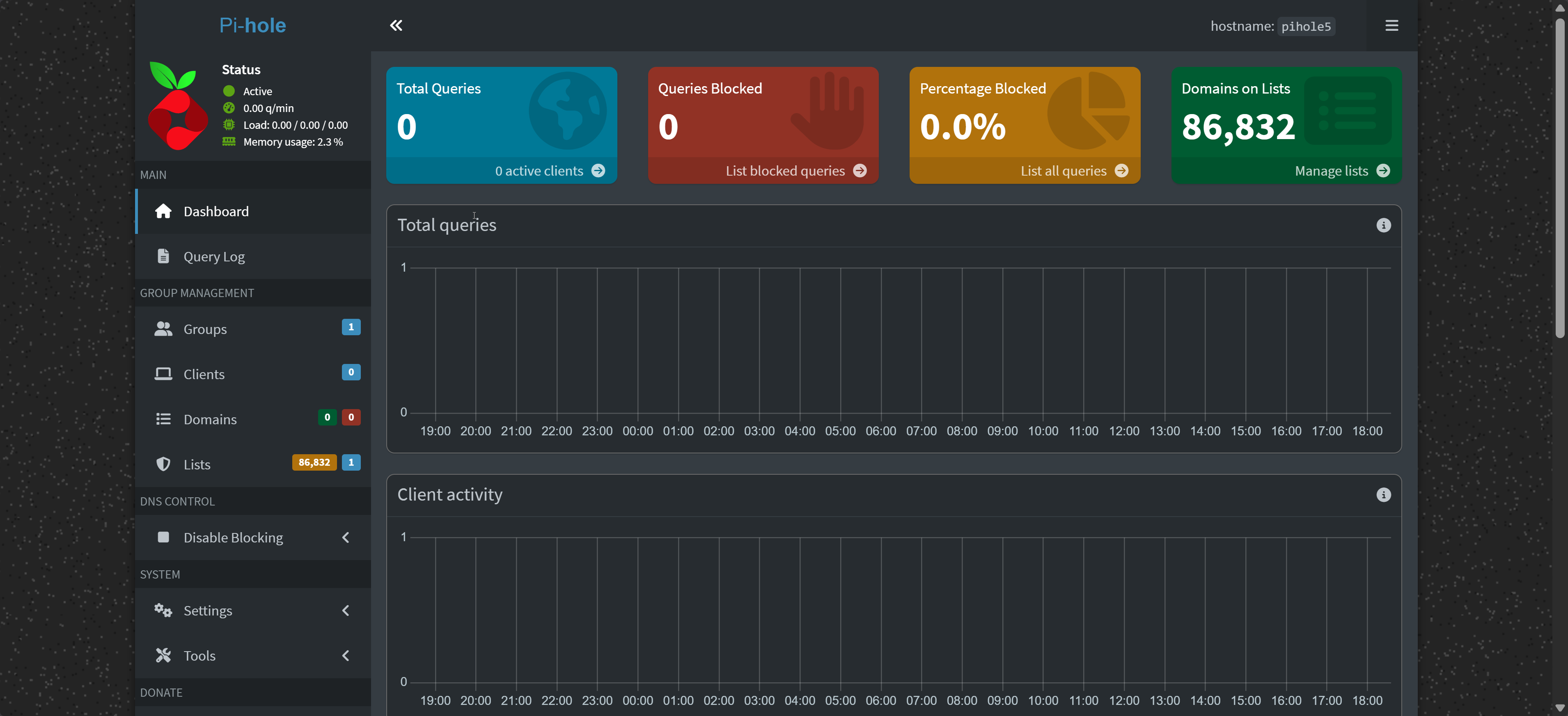
Log into the webinterface.
Webinterface
If you do not know the password, use the command to set a new password:
sudo pihole setpassword
Login!